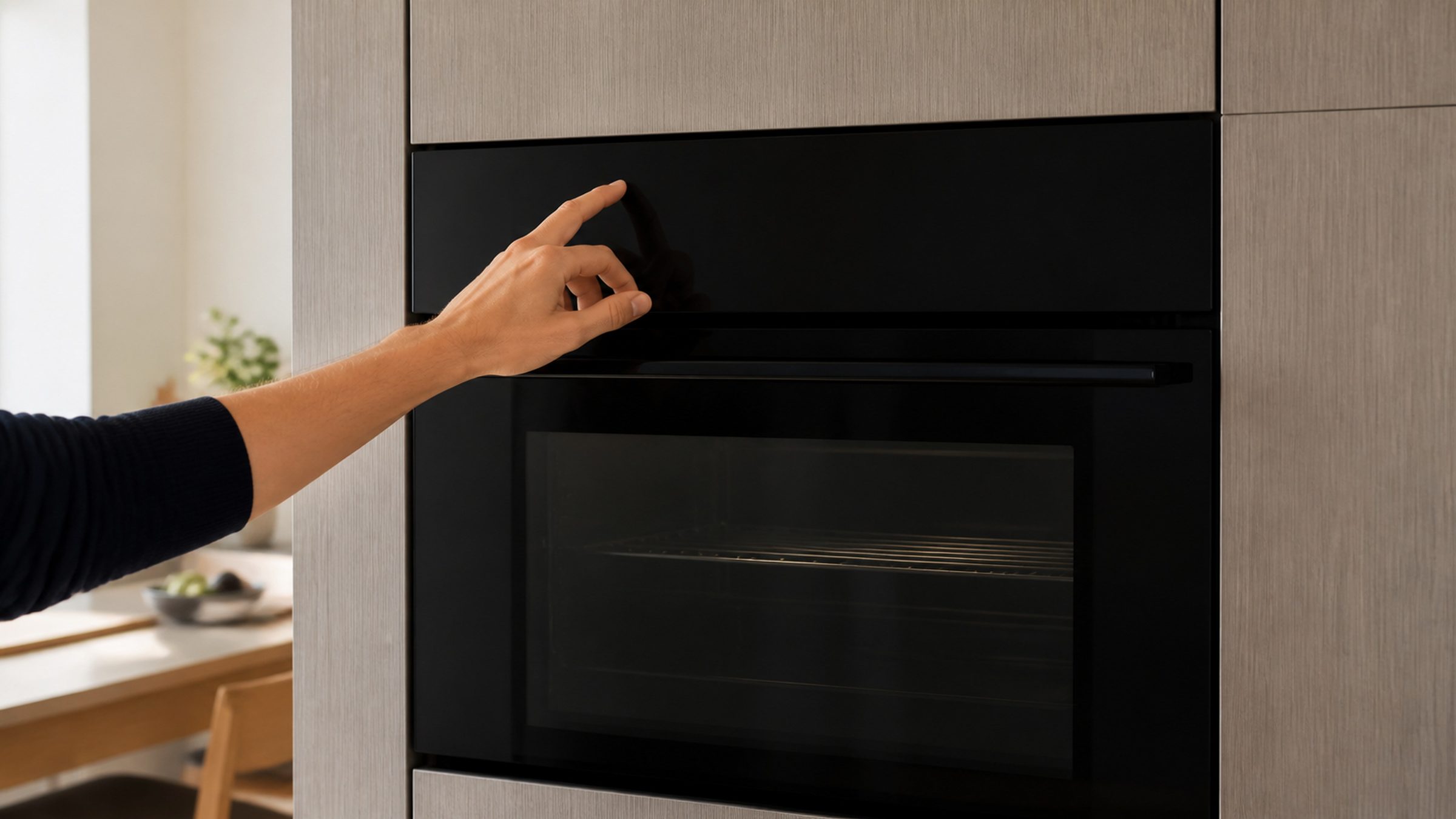
Troubleshooting
After a South Florida Power Cut: How to Reset Miele Oven Controls
To reset Miele oven controls after a power outage, switch it off at the breaker — not at the panel — leave it off for five full minutes, then restore power and reset the clock. This maker publishes a condition specifically for the power supply being interrupted during operation, so an oven behaving oddly after a South Florida brownout is a documented event with a documented answer. If the same condition returns after a proper five-minute cycle, it is real rather than a leftover from the cut.
The full guide
How to reset Miele oven controls after the power has been off
There is a specific reason this page exists rather than being a generic troubleshooting note. This manufacturer publishes a condition for the power supply being interrupted during operation. It is in its own documentation, with its own number.
That matters, because it means an oven behaving strangely after a cut is a thing the maker expects and has an answer for — not a sign that the appliance has been damaged, and not something to be talked out of.
In a place with a summer storm season and routine voltage sags, it is also something that happens several times a year.
What a brownout actually does to an oven
There is a computer in the appliance. During a cycle that computer is reading sensors and writing state, and if the supply drops out or sags mid-write, it can come back holding something that does not make sense to it.
The symptoms are all variations on confusion rather than breakage:
- a display showing a number that was not there before;
- a control that will not accept a program;
- an appliance that heats but ignores the timer;
- settings reverting, most visibly the clock and sometimes the language.
None of that is physical damage. All of it usually clears with a proper power cycle, and the reason people conclude otherwise is that they did not do a proper one.
The reset, and why the panel button will not do it
Write down anything on the display first. It disappears with the reset and it is the only evidence you have.
Then go to the breaker. The on/off button on the oven's own panel puts the appliance into standby and leaves its control powered — which is exactly why pressing it appears to do nothing. The control never lost power, so it never restarted.
Five full minutes at the breaker. Not thirty seconds. These controls hold enough residual charge to keep their state through a short interruption, and the difference between thirty seconds and five minutes is the difference between "the reset does not work" and the oven behaving normally.
Restore the power. If the clock asks to be set, the reset genuinely happened — that is your confirmation. If the clock is still showing the correct time, you switched off something else.
Then prove it
Empty oven, 350°F, twenty minutes, with an oven thermometer on the middle shelf if you have one.
If it preheats normally, holds temperature and the display behaves, the control was confused and is now fine. That is the outcome in most of these cases and it costs nothing.
If it comes back
Then it is real, and the reset has done the one diagnostic job it can do for free.
Look the number up under oven specifically. On this make the same number belongs to more than one appliance and means different things on each, so reading a dishwasher's page for an oven's number is an easy mistake to make and a completely misleading one.
The special case: a cut during self-clean
Worth its own paragraph because the answer is different.
A self-clean cycle takes the cavity to a temperature that would be dangerous behind an open door, so the oven latches the door and holds it until things have cooled. If the power went during that cycle, check the door before anything else.
Let it cool completely first — hours, not minutes. A door that releases as the oven cools was never a problem. A door that is still locked on a cold oven is the latch, and that is a same-day call rather than something to lever. The mechanism is small; the door is not.
Two things worth doing before the next storm
Know where the breaker is. Sounds obvious. In a kitchen with a built-in oven in a tall housing, the breaker is frequently the only way to isolate it, and finding it in a hurry is not the moment to learn.
Photograph the display the moment something appears. It costs two seconds, it survives the reset, and it turns a phone call about "some number" into a phone call about a specific condition with a specific answer.
When it is not the power at all
An oven that will not start with no display at all is more likely a supply problem than a control one — the breaker itself, or a switched spur inside a cabinet that somebody turned off during work in the kitchen. That is worth checking before assuming the storm was responsible.
What the appliance may report afterwards, and what those mean
Three things turn up after a cut and they are not equally serious.
The clock asking to be set. Expected, and reassuring. The control genuinely restarted.
A number relating to the supply interruption. This maker publishes one, which is the manufacturer acknowledging the event rather than treating it as damage. Clear it and carry on.
A number that has nothing to do with power. Rarer and more interesting. A supply event can be the last straw for a component that was already marginal, so a condition that appears after a cut and stays is worth reading as a real condition rather than as storm damage.
The way to tell them apart is the five-minute breaker cycle above. Whatever survives it is real.
Independent Miele service across Miami-Dade, Broward and Palm Beach. We are not affiliated with, authorized by or endorsed by any manufacturer.
If it turns out to be a repair
What this leads to, and what it costs
Every job on this site is priced the same way: an on-site diagnostic first, the figure agreed in writing before anybody starts.
-
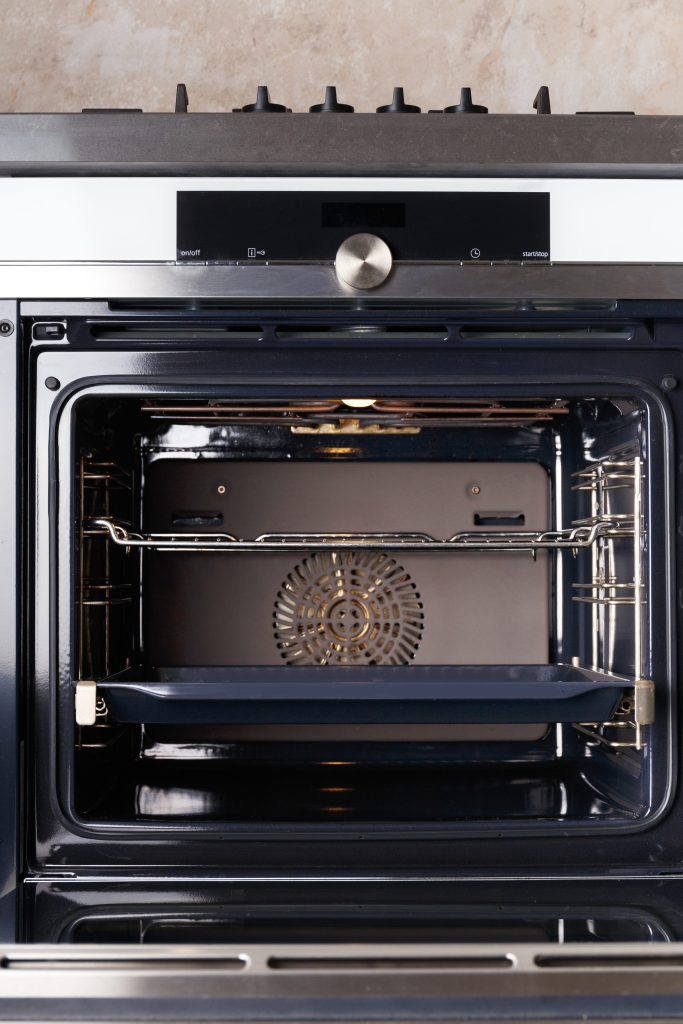
H wall ovens · DGC combi-steam · Speed ovens · Warming and vacuum drawers Ovens, steam ovens and drawers
One control family covers the wall ovens, the combi-steam ovens, the speed ovens and the drawers, which is why they share a page. The steam side adds a set of conditions all its own — about the intake valve, the nozzle, the container, and the hardness of the water itself.
- A cavity that will not reach or hold temperature
- A steam program that stops and asks about water
- A door locked after a self-clean
-
No lights, no response The appliance will not start at all
Nothing at all is a different problem from a cycle that stops, and it has a much shorter list behind it. Half of that list is outside the appliance.
- A completely dead panel
- Lights on, and nothing happens when a program is started
- It came back once and then stopped again
-
And the cycle has stopped There is an F number on the display
Miele writes an F and a number on every appliance it builds. The number on its own is not the condition — the number plus the appliance is — and a good share of them are things the manufacturer asks the owner to try first.
- A number that returns after every reset
- The same number on two different appliances
- A number with words beside it
Questions people ask about this
Why does a brownout affect an oven more than a lamp?
Because there is a computer in it. A control writing to its own memory when the supply sags can come back in a state it cannot leave, and the appliance then behaves oddly without anything being physically damaged. A lamp simply flickers.
The oven was running self-clean when the power went.
Then check the door before anything else. A self-clean that is interrupted can leave the latch engaged, and that has its own answer — let it cool completely, and if the door is still locked after that, call rather than levering it.
Do I need to reset the clock every time?
After a real interruption, yes, and it is a useful signal: a clock that is asking to be set confirms that the control genuinely lost power. One that is still showing the right time after a five-minute breaker cycle means you did not switch off what you thought you did.
Should I use a surge protector?
For a hardwired built-in oven that is usually a whole-panel device rather than a plug-in one, and in this region it is a reasonable thing to discuss with an electrician. It is prevention rather than repair, and it is outside what an appliance company installs.
The oven works but the display is in German.
A language setting reverting is a classic sign of a control that lost its settings, not of damage. Set it back in the menu; if it reverts again, that is worth reporting.
Troubleshooting
More guides like this one
-
How to Reset Miele Washing Machine Controls on a W1, and When Not To
If the door is locked with a load inside, the reset is not your first move — draining it is. That distinction is the whole page.
Read more -
How to Reset Miele Dryer Filter Reminders — Three Reasons They Return
A message that survives cleaning is either a reminder that needs acknowledging, a filter cleaner than it looks, or a condenser the reminder was never about.
Read more -
How to Level a Refrigerator, and Why the Door Depends On It
On a panel-ready column the door is carrying your cabinetry. Level is what lets it pull itself the last inch — and in this humidity that inch is a frost problem.
Read more
Tell us the model number and what it is doing.
This article is based on:
- Official manufacturer documentation
- Internal repair procedures
- Technician repair history
- Company quality standards